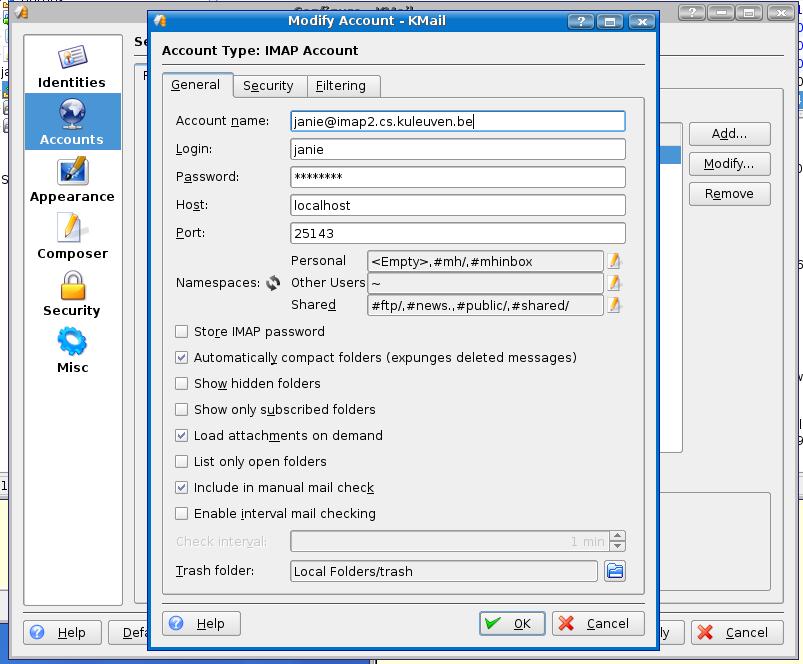
| setup of |
intranet
cs.kuleuven.be |
over ssh
tunnels (port depends on your ssh setup) |
||||
| tab |
host |
port |
tab |
host |
port |
|
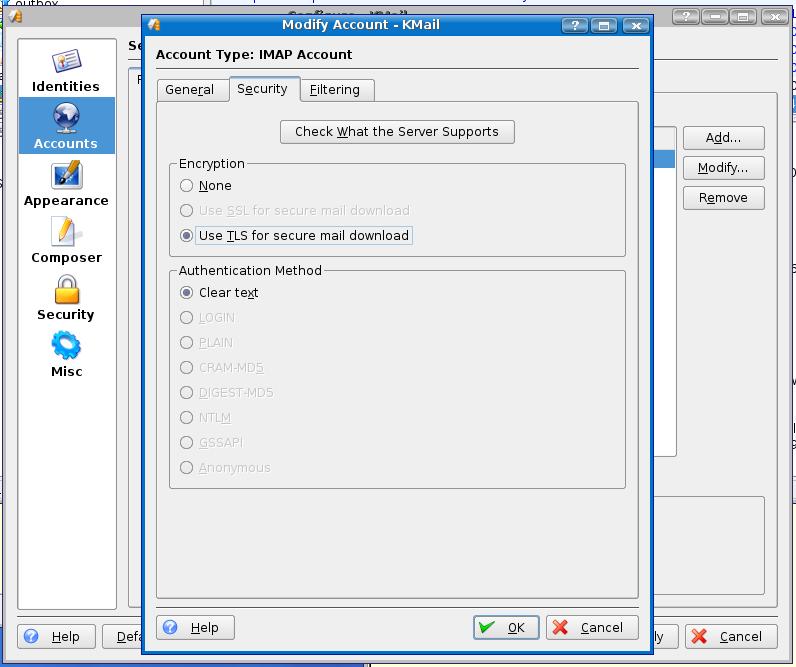
| imap account |
general |
imap2.cs.kuleuven.be |
143 |
general |
localhost |
25143 |
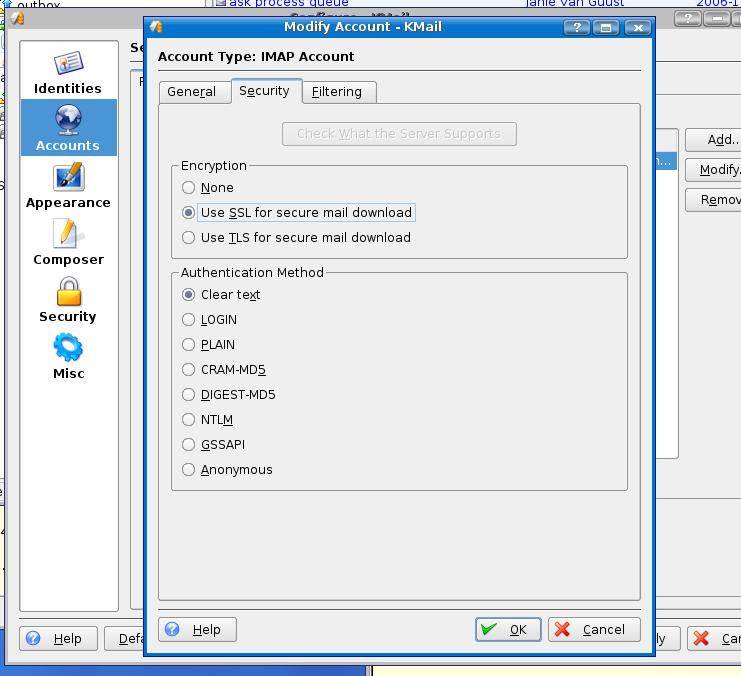
| imap account over SSL |
general |
imap2.cs.kuleuven.be |
993 |
general |
localhost |
25993 |
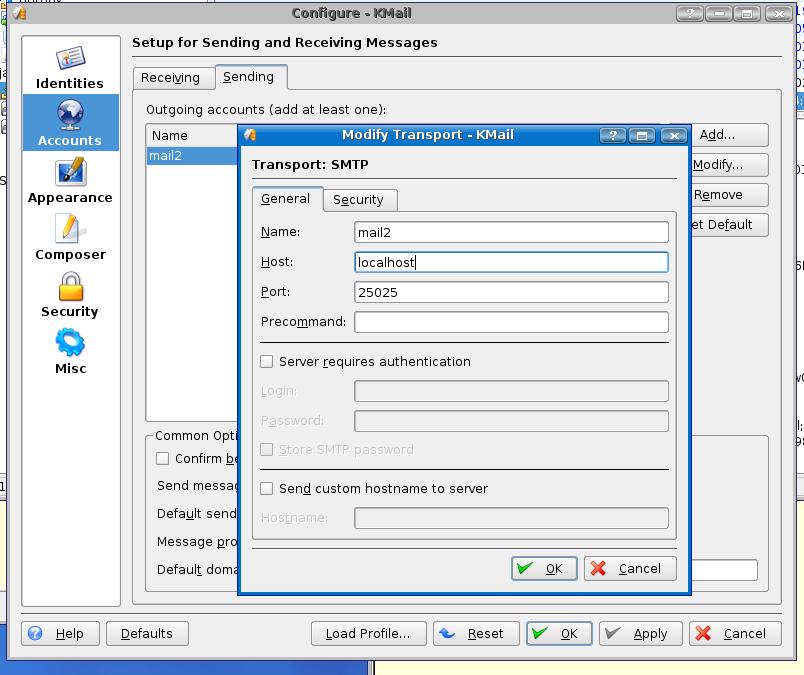
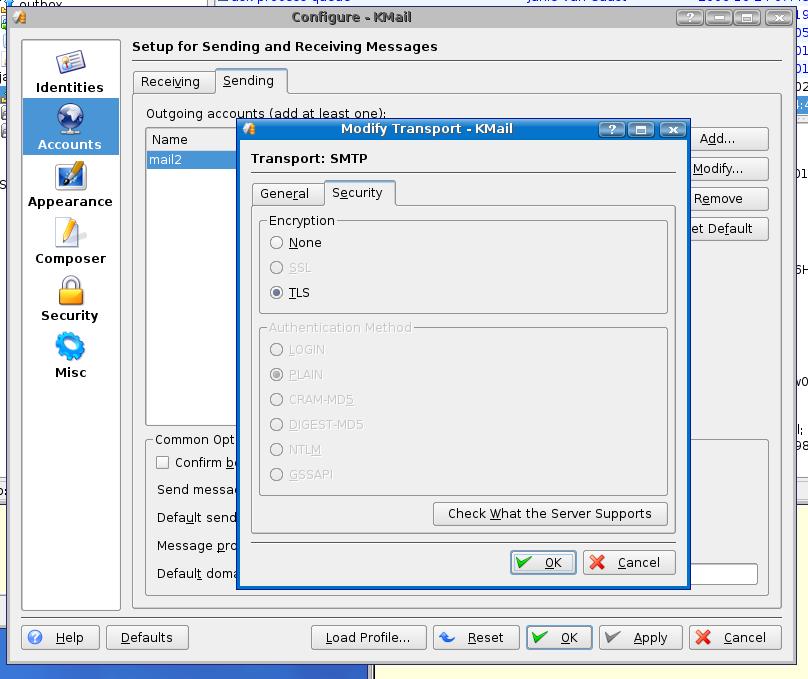
| transport SMTP |
general |
mail2.cs.kuleuven.be |
25 |
general |
localhost |
25025 |
If you use a specific directory to store your mail folders on the mail server (an IMAP server folder directory), you need to specify it as your Personal Namespace ... if you do not use such a specific directory, it is probably best to disable all Namespaces.
You must specify it relative to your mail directory: e.g. specify it as Mail/ and not as /home/somebody/Mail nor as /cw/mail2/somebody/Mail.
First the setup for reading mail :
You probably should use protocol IMAP. The imap2 server currently can use both TLS and SSL for security.