

Windows 7 e-mail configuration
20110127Default Windows 7 does not come with preinstalled e-mail program.
You have at least two free options:
Thunderbird
We recomend to download the free open source thunderbird program from:
http://www.mozillamessaging.com/en-US/thunderbird/all.html.
You will then be using the same default program as on the computers at cs.kuleuven.be.
Windows Live E-mail
When you decide not to use thunderbird, you can download the free livemail program from Microsoft :
http://windows.microsoft.com/nl-BE/windows7/looking-for_windows-mail or
http://explore.live.com/windows-live-mail?os=other.
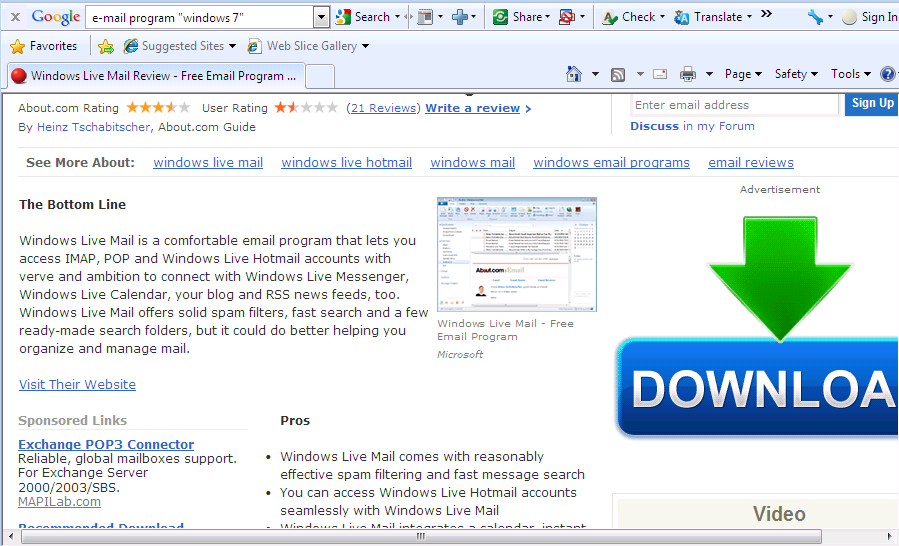
When the downloaded executable starts, it proposes to install all Live Mail components.
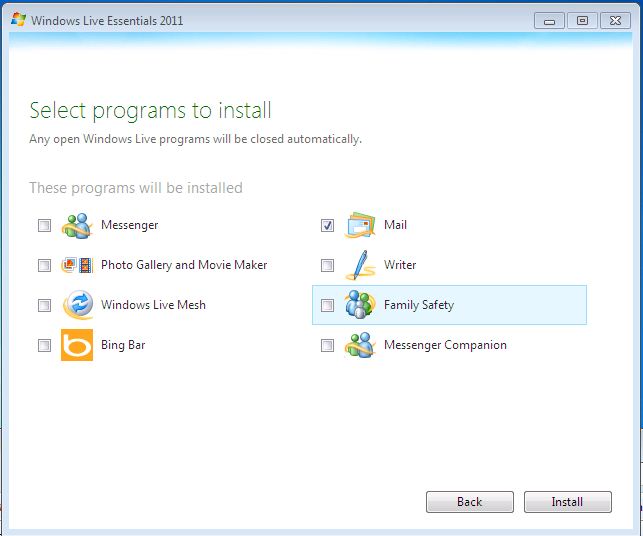
To save future update time and download bandwith, only install the components you really need (i.e. mail) :
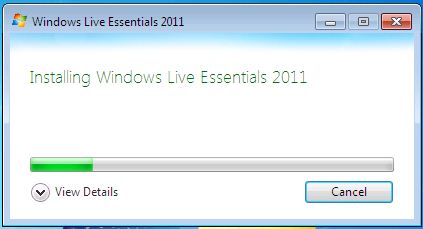
Wait patiently while the install takes place:
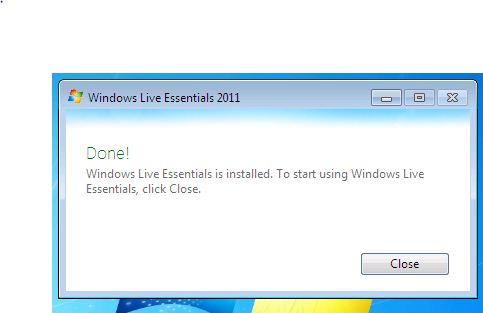
Finally its installed:
Configuration of Windows Live Mail to access your mail at cs.kuleuven.be
Information you need before beginning:
- Your email address e.g. Janie.VanGuust@cs.kuleuven.be
- Your account e.g. janie
- The password for this account
- Your incoming mail server e.g. mail3.cs.kuleuven.be
- The protocol used by this server e.g. IMAP over SSL
- The port to use e.g. 993
- Your outgoing mail server e.g. mail3.cs.kuleuven.be
- The protocol to use e.g. SMTP over SSL
- The port to use e.g. 465
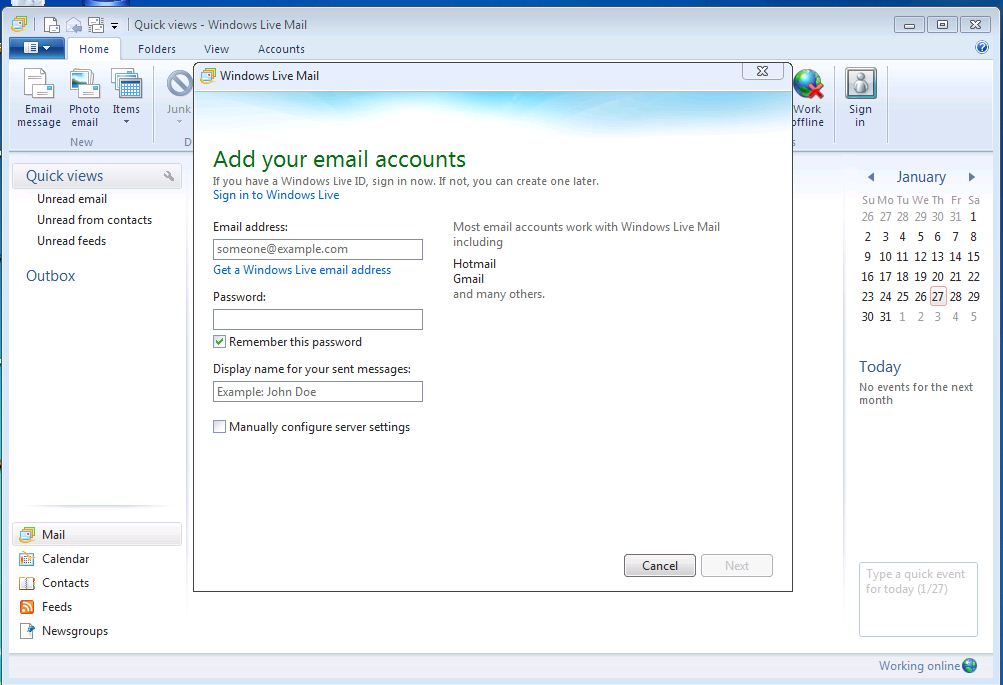
Start correcting the data on screen:
donot select "remember this pasword" but select "Manually configure server setting"
click next:
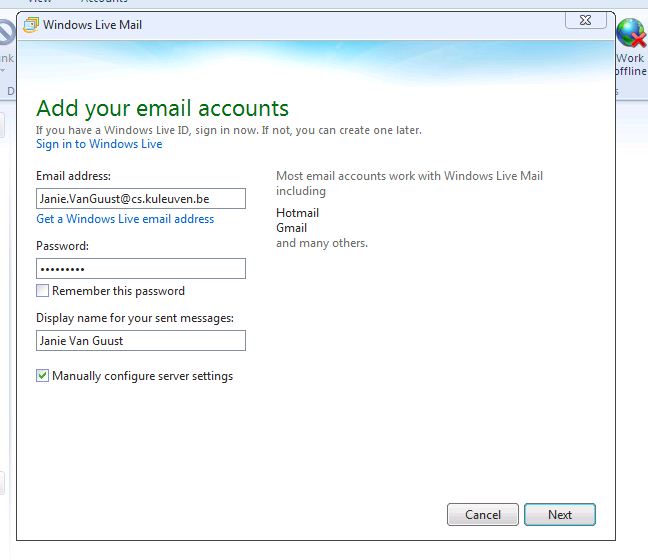
Fill in the server configuration
Both servers need SSL. The port number for the outgoing server must be set by hand!
Check the data with the information from cs.kuleuven.be and click "next"
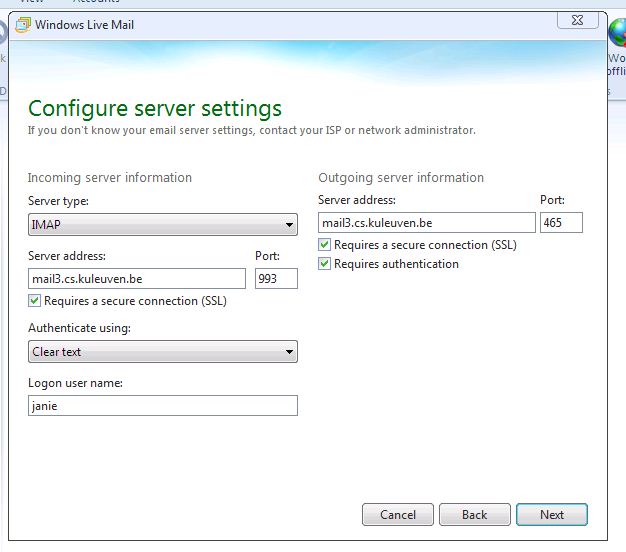
You should get a "Your account was created" window, click "finish" .
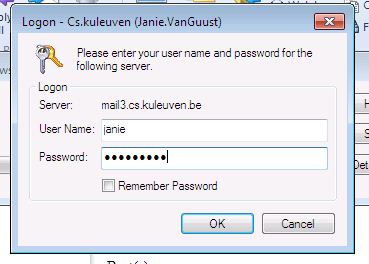
Live mail will now start using your email account and will prompt for a password.
Donot check "Remember password"
And now you get the "normal" live mail window, with your incoming mail messages:
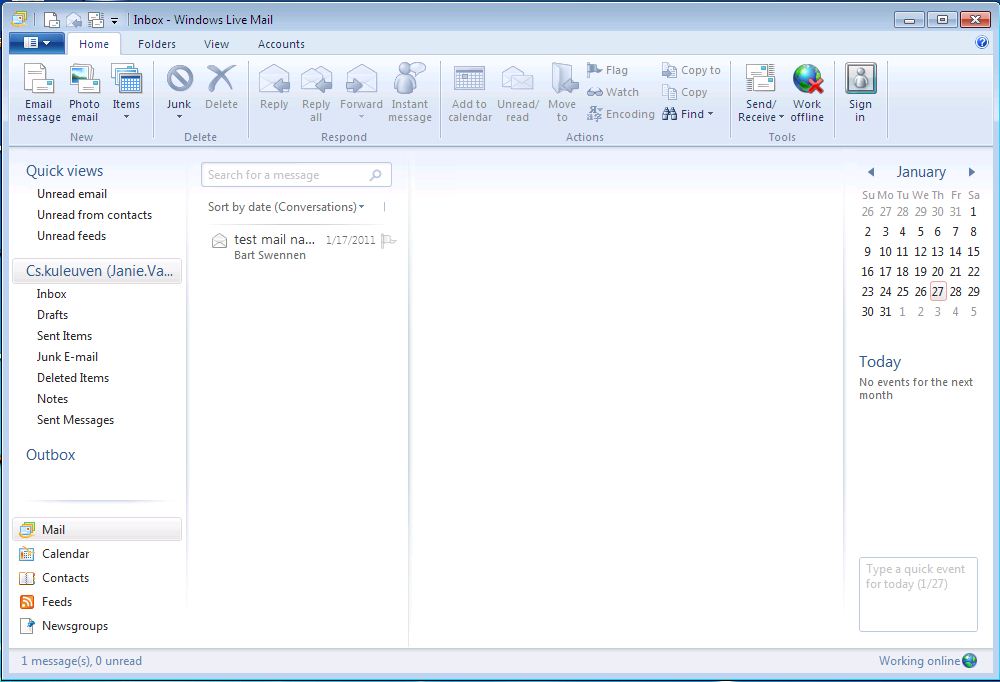
Live Mail includes a Calendar and possibly other stuff. These are not related to e.g. the calendar at cs.kuleuven.be.
Now test to send mail :
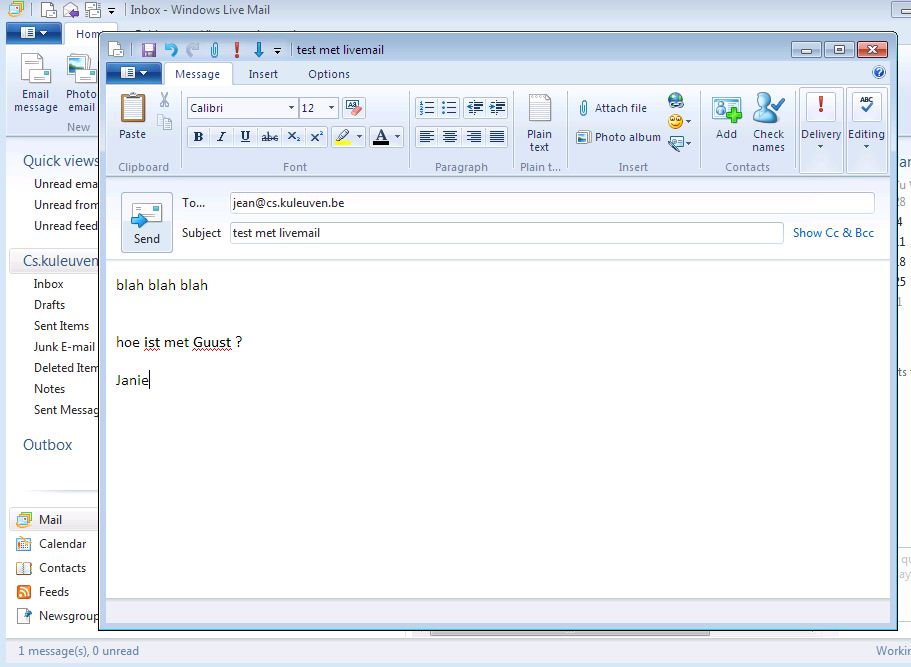
When sending the first message, you will get a prompt for the password for the outgoing mail server.
This is the same as for the incoming mail server and again you should not check "Remember password".
