|
|
|
|
Netscape Calendar 4.51:Scheduling PreferencesWeekday
settings
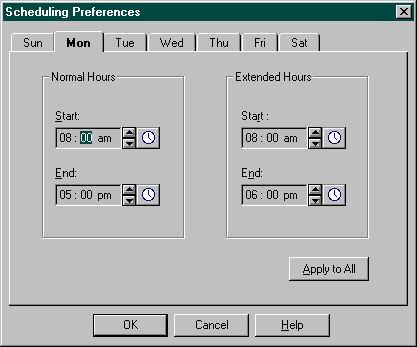
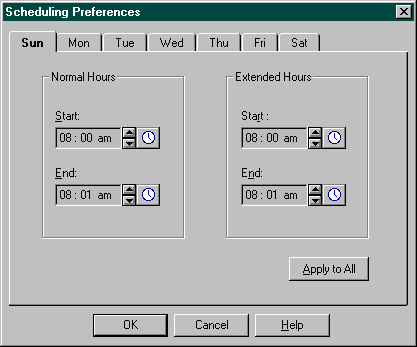
If you have the same work hours each day, fill out the first tab as shown above then click the "Apply to All" button. The Scheduling Preferences screens are the same, repeated seven times for each day of the week. For the days you do not work set your schedule to show availability for one minute as shown above. You cannot set your availability to be less than one minute for any day. |
BACK TO MAIN PREFERENCES PAGE |
|
|
|
© Copyright 1999 Lawrence Berkeley National Laboratory
|