

OpenVPN Client Configuration on Mac Os X
We recommend you use Tunnelblick.
Detailed Configuration Settings
After the installation you need to install/activate the configuration for the departemental OpenVPN.
- Download the ovpn flavour of your choice and save local.
- Open a Finder window and locate the downloaded file.
- Make sure it has the ovpn-extension (not .txt).
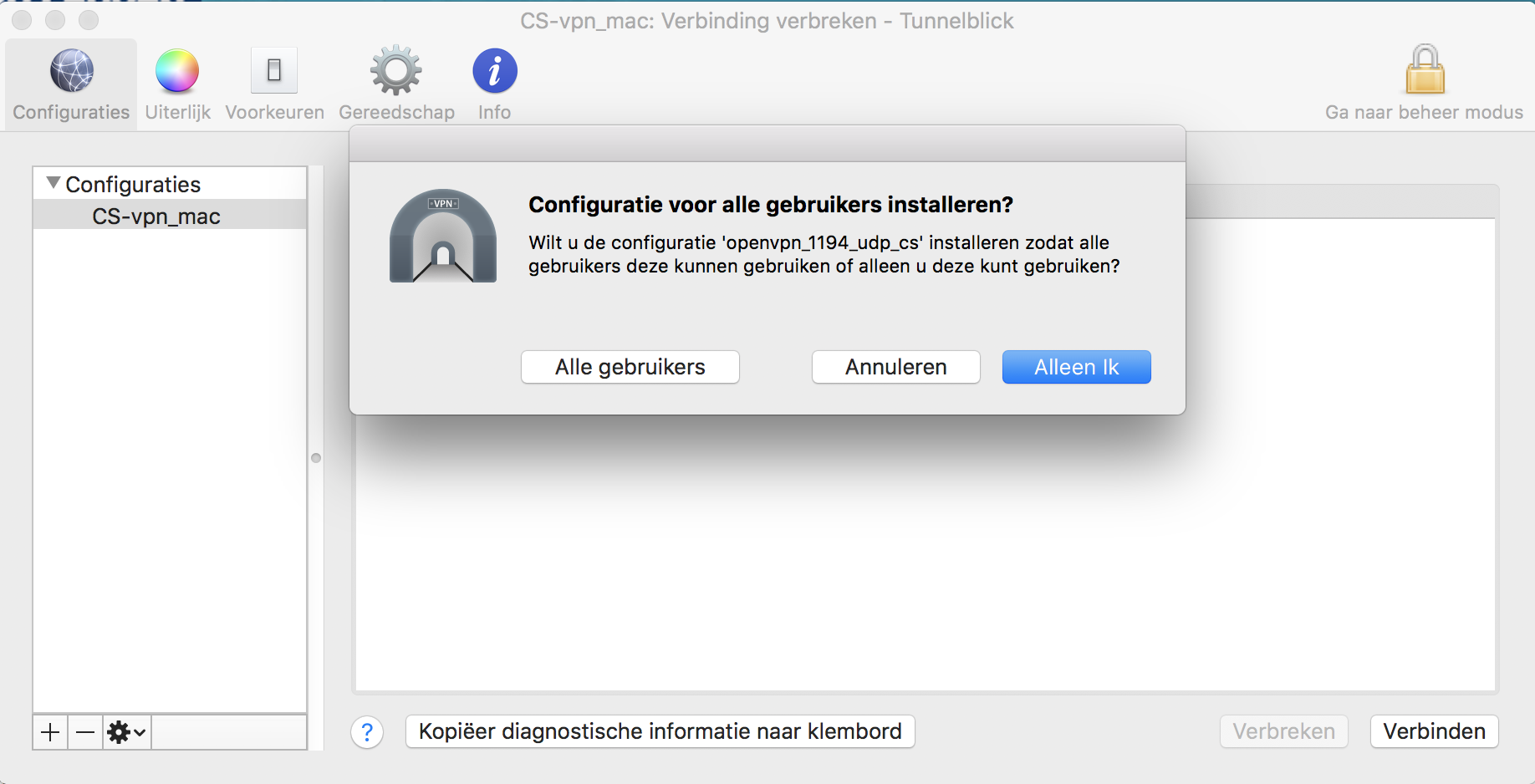
- Double click the downloaded file to install the configuration into Tunnelblick.
- In the tray above right next to the clock their will be a tunnelblick icon - use it to start a VPN connection.
- If you want to edit the config click the tunnelblick icon and select VPN Details. Select the wanted configuration, click on the gear and select "Edit OpenVPN Configuration File".


How to test and/or troubleshoot your VPN
You can test your VPN connection by visiting the internal webserver. If you can't visit the page or are having other problems with your VPN connection go to OpenVPN troubleshooting. Here you can find information about troubleshooting your connection and some other diagnostic tips.
