Synchronizing your Palm Pilot with the lab's Netscape Calendar server will allow you to view your schedule from your palm pilot.
-
 The Netscape Calendar Sync Program is only available for Windows 9x and
Windows NT Operating Systems.
-
The Netscape Calendar Sync Program will
only work with Palm OS version 3.1.1 or earlier. Palm
OS 3.30, released in October 1999, cannot synchronize to the Netscape Calendar
system.
-
The
synchronization involves 2 steps:
- Netscape Calendar Palm Sync Install - follow the instructions on this page
- Palm Pilot Sync do this after you perform the install
-
If you have any questions, please call the help desk at 486-HELP
-
Go Back
to the main Netscape Calendar 4.51 Page
1. Go to Start/Programs/Netscape Communicator Professional Edition/Palm Tools/Calendar Palm Sync Install as shown below

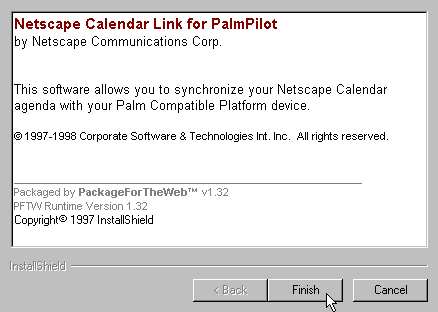
2. Click on Finish indicated by the cursor in the picture below.
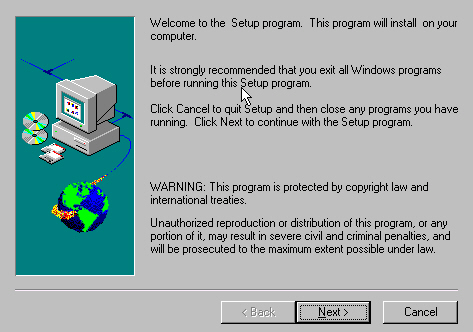
3. Click Next
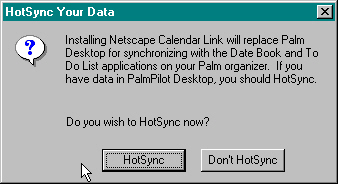
4. Click Hot Sync
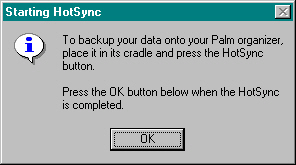
5. Click OK
6. Click Yes
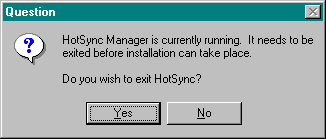
7. select Typical and click Next
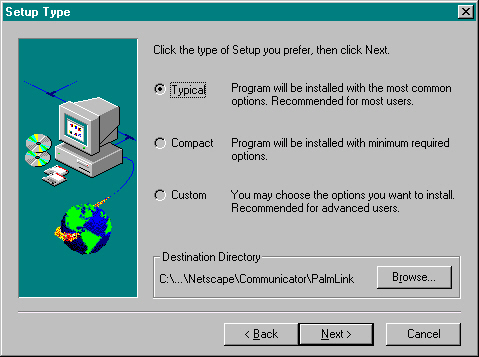
8. Make sure your settings match the highlighted ones below and click Next
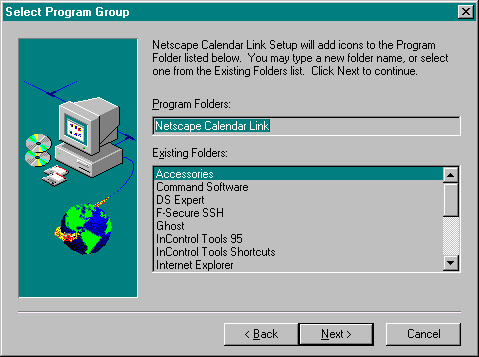
9. Click on Replace
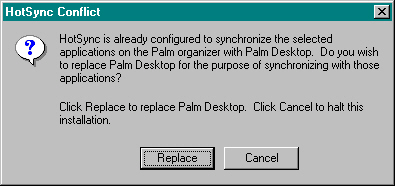
10. Select your name and push Next.
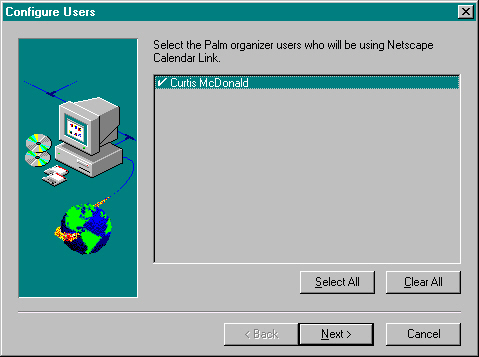
11. Uncheck the box in the figure below and click Finish
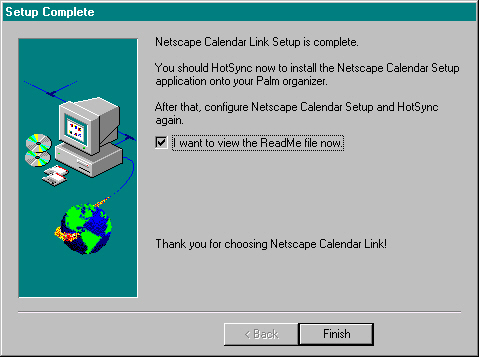
12.
You are now ready for the palm
pilot sync with the calendar server
|
Back to Top of Page |
|
Back to the main Netscape Calendar 4.51 Page |
© Copyright 1999 Lawrence Berkeley National Laboratory
Page Owner: Curtis McDonald
Last Updated: December 2, 1999