Connecting to a new samba printer
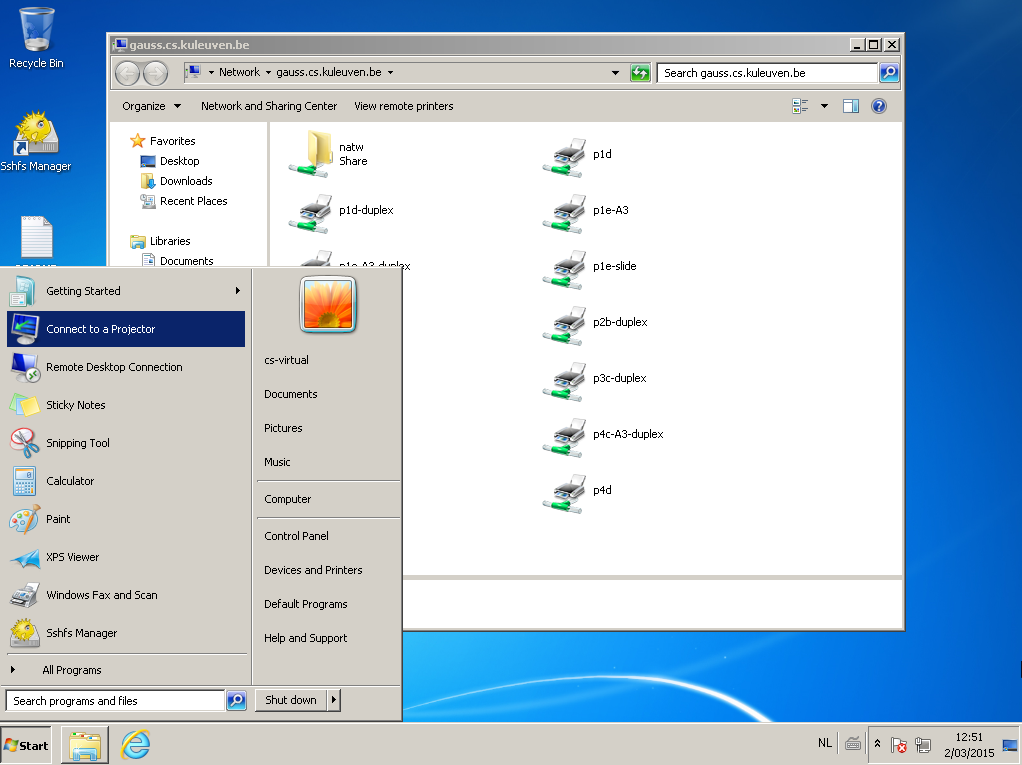
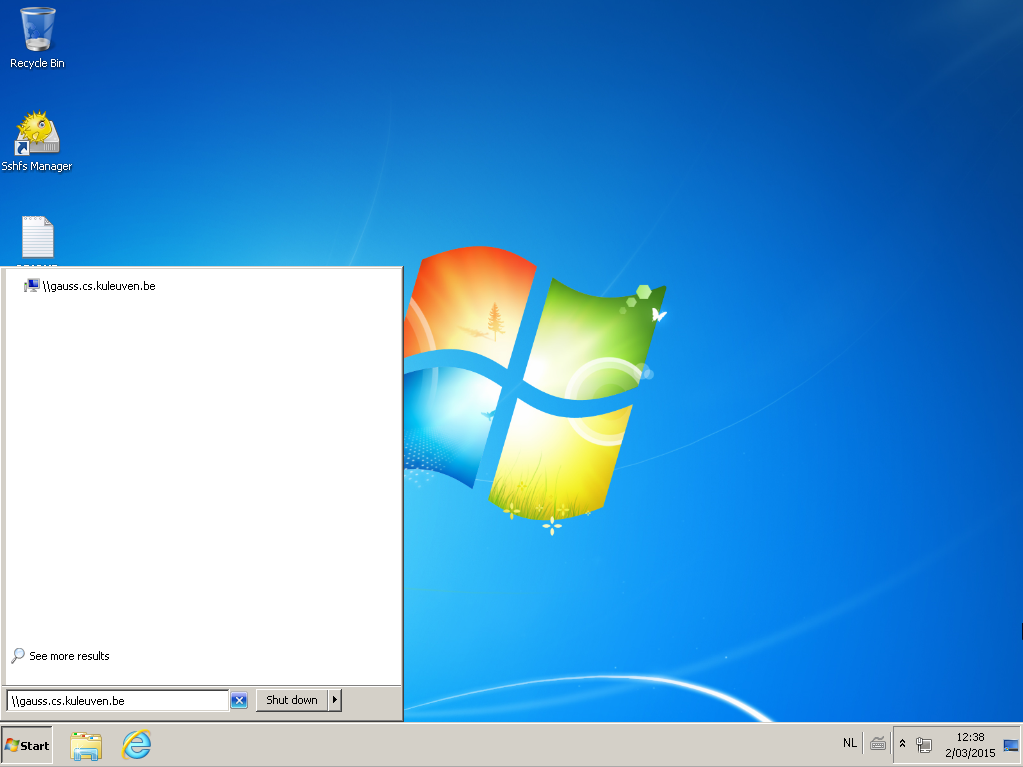
- Start -> Run -> Type \\server-name.cs.kuleuven.be and hit Enter
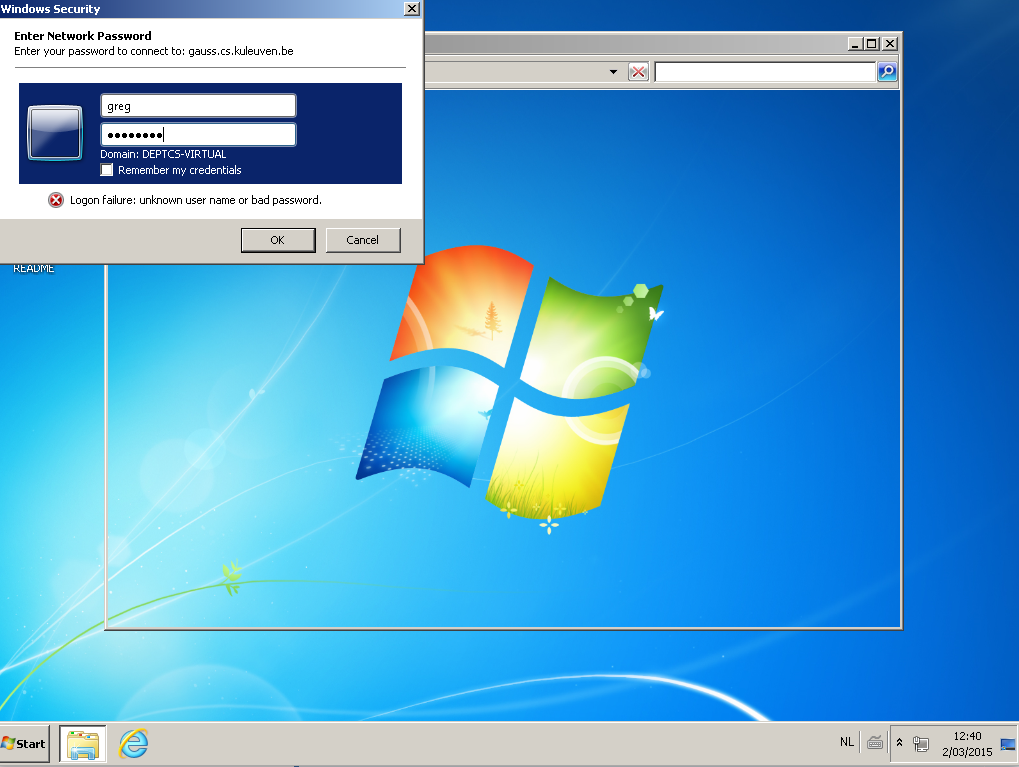
- If asked for, give your username and (Samba) password
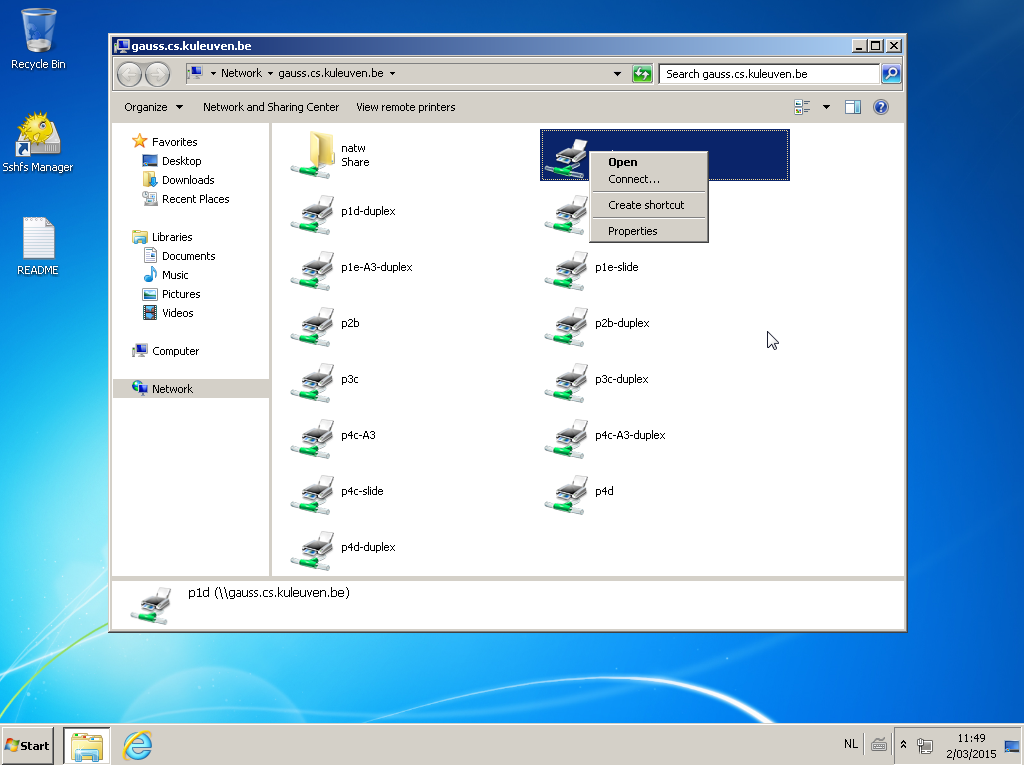
- Right click the printer you want and select 'Connect...'
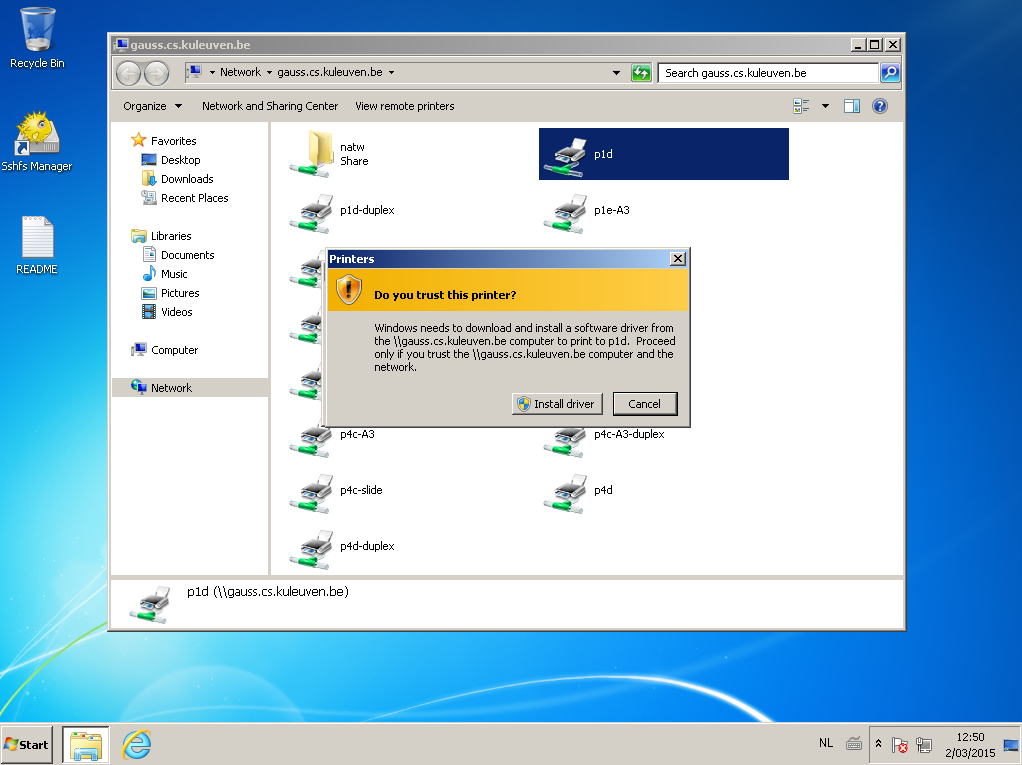
- We trust this printer so click on 'Install driver'
Make the newly added printer your default printer
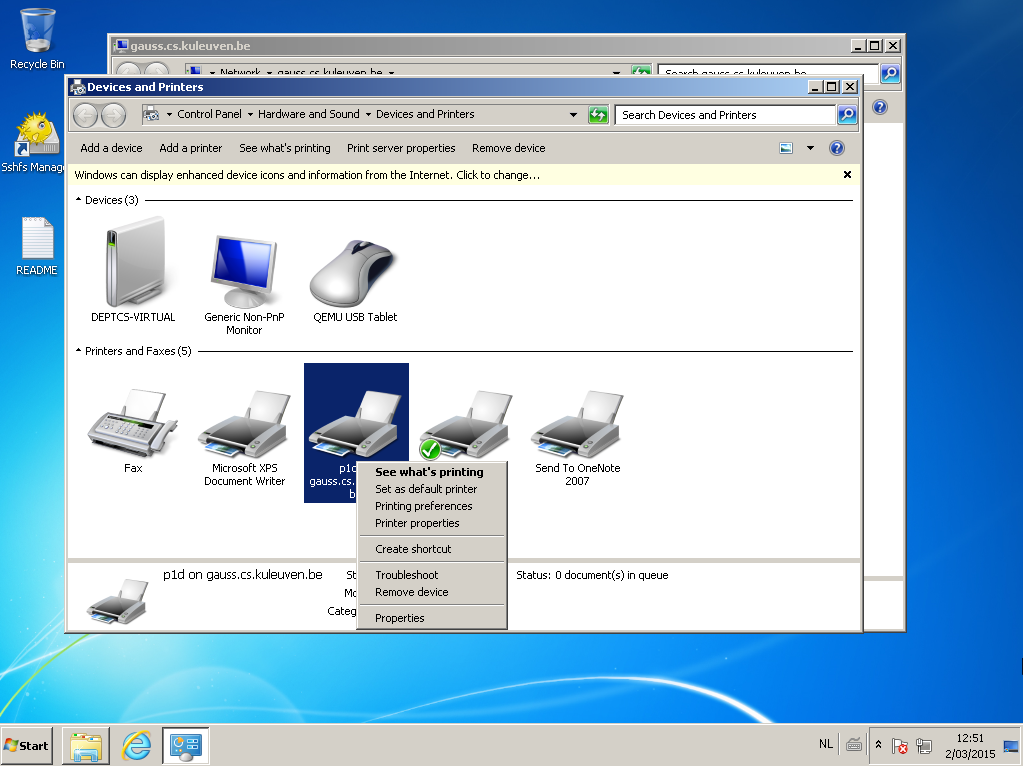
- Start -> Devices and Printers
- Select and right click the printer you want as your default -> Click 'Set as default printer'
Remove printers
- Start -> Devices and Printers
- Select and right click the printer you want to delete -> Click 'Remove device'